 Camera Sudoku
Scan a paper Sudoku. Solve it on your phone.
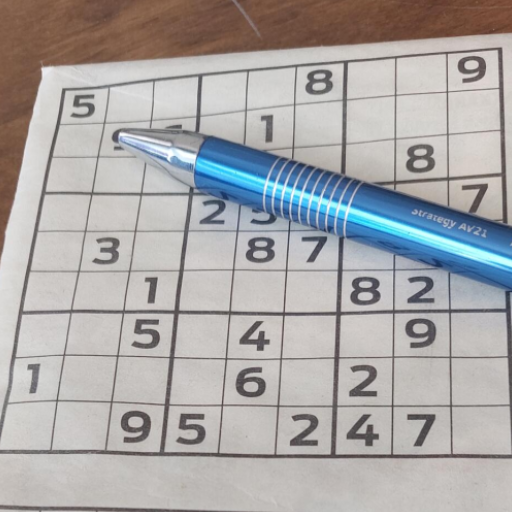
Point the camera at a Sudoku from a newspaper or puzzle book. Camera Sudoku reads the printed and handwritten digits on your phone, then helps you finish with step-by-step hints that teach real strategies.
Free · no account · recognition and hints run on your phone
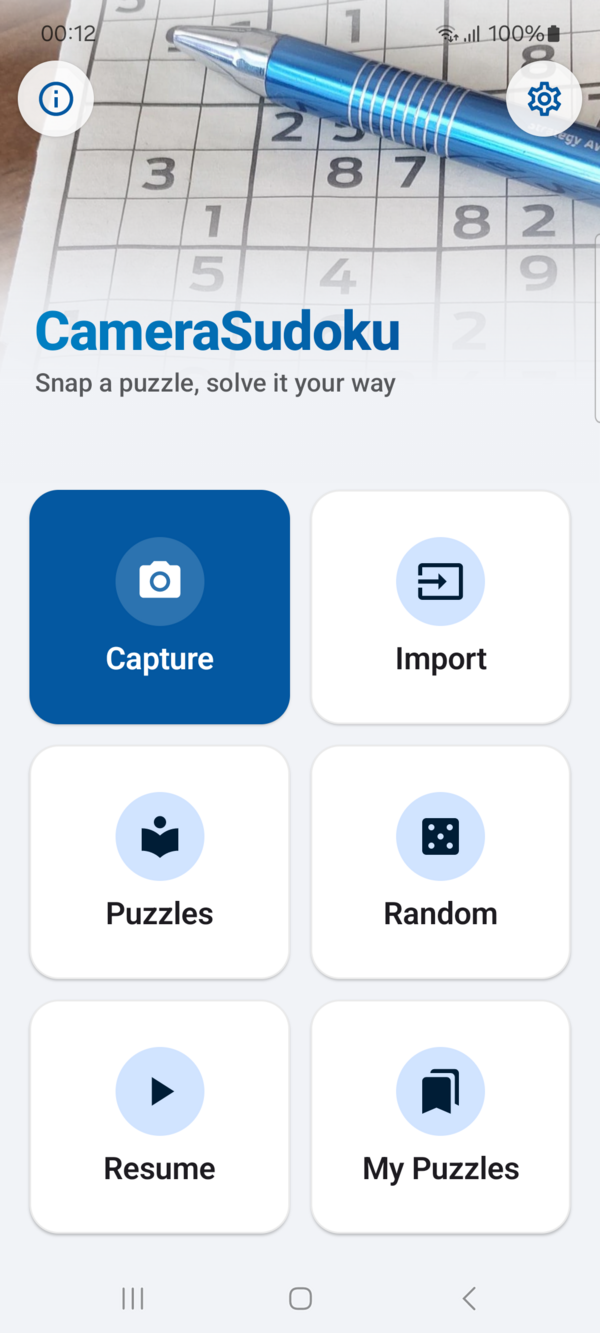
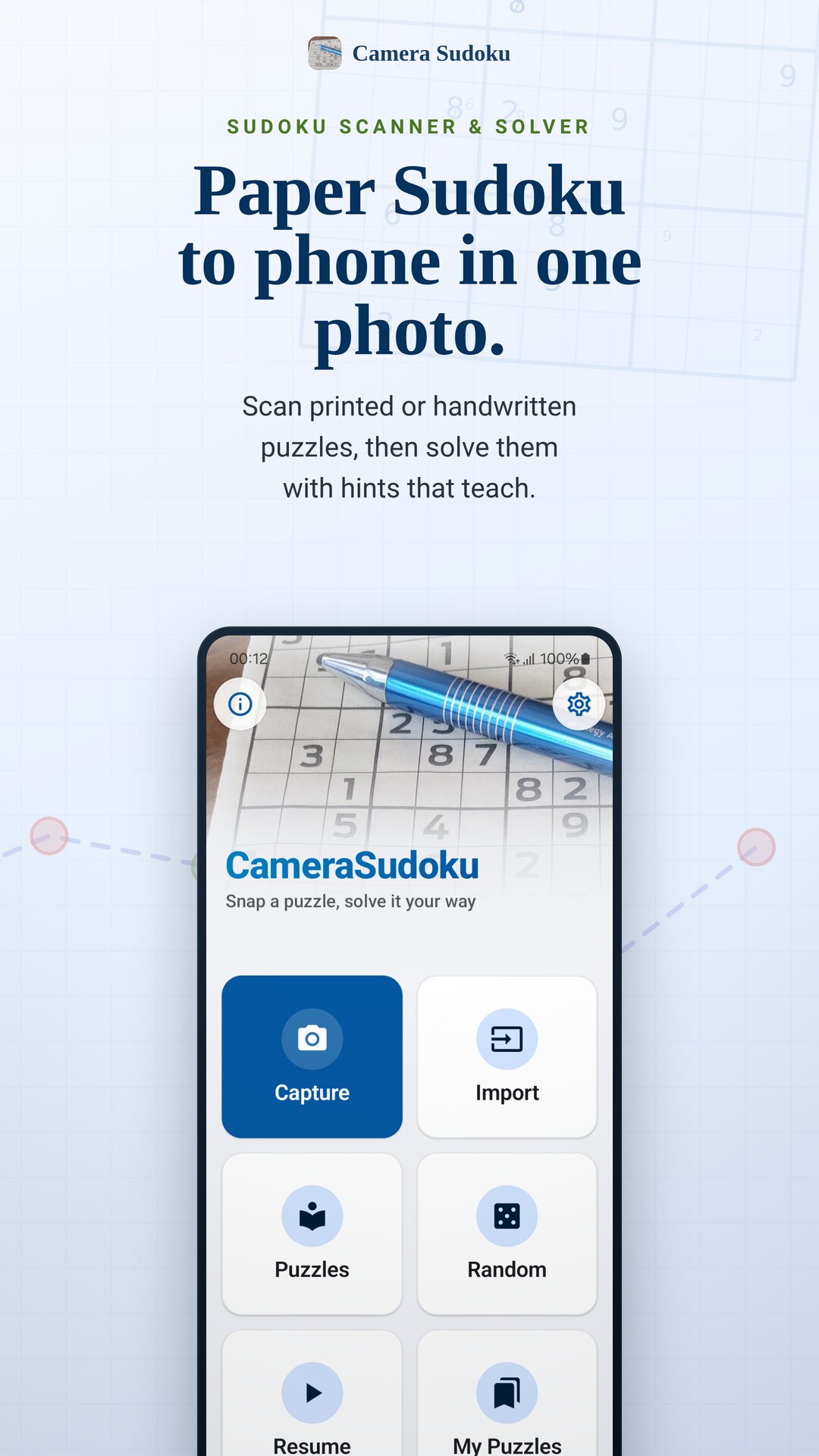
From paper to phone in one photo
Bring in a puzzle however you like, then play it with tools that explain every step instead of just giving the answer.
Capture any 9×9 grid
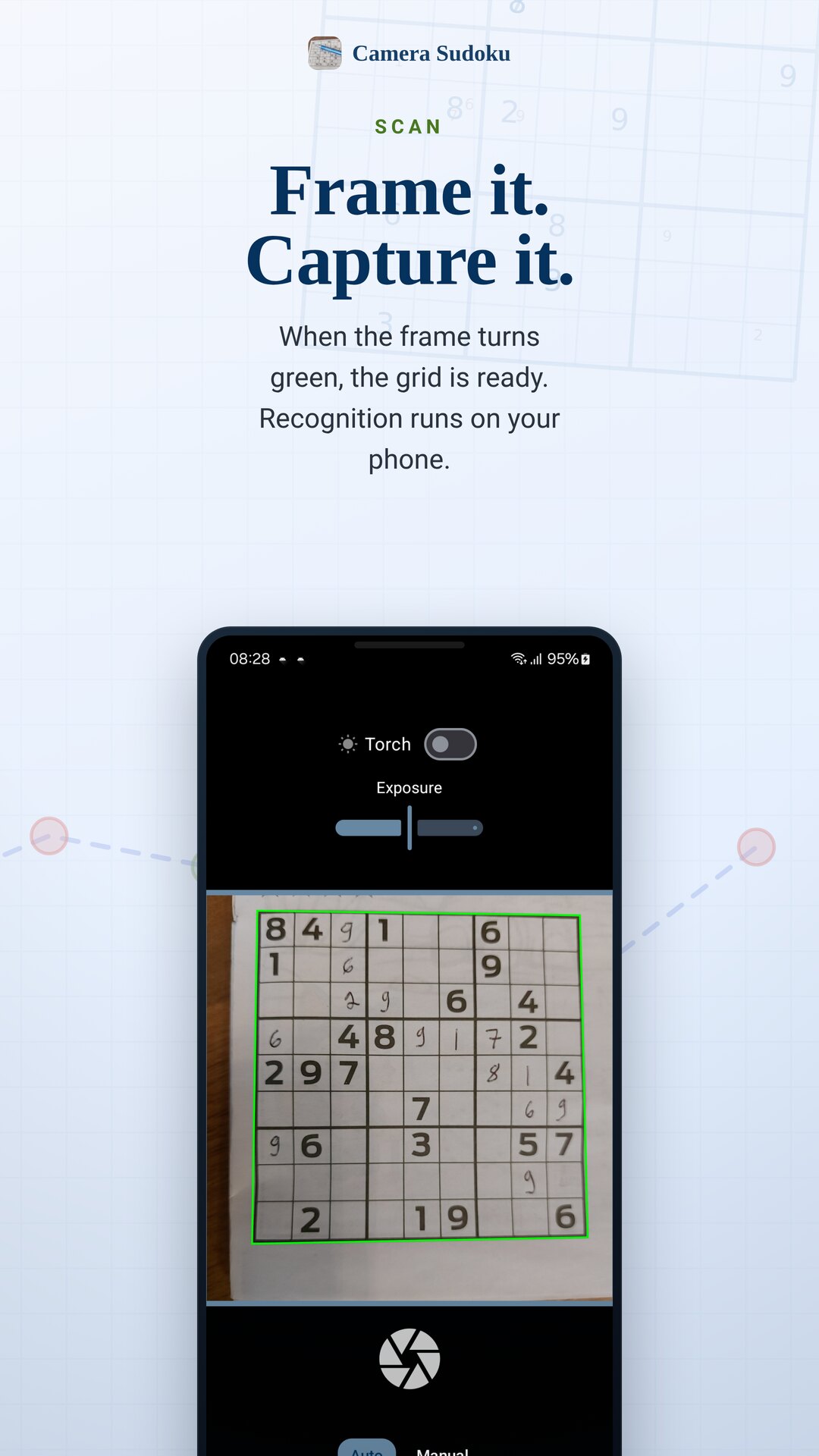
When the frame turns green, capture it. The app finds the grid and reads printed and handwritten digits. For a tricky photo, drag the corners onto the grid yourself.
400+ rated puzzles and more
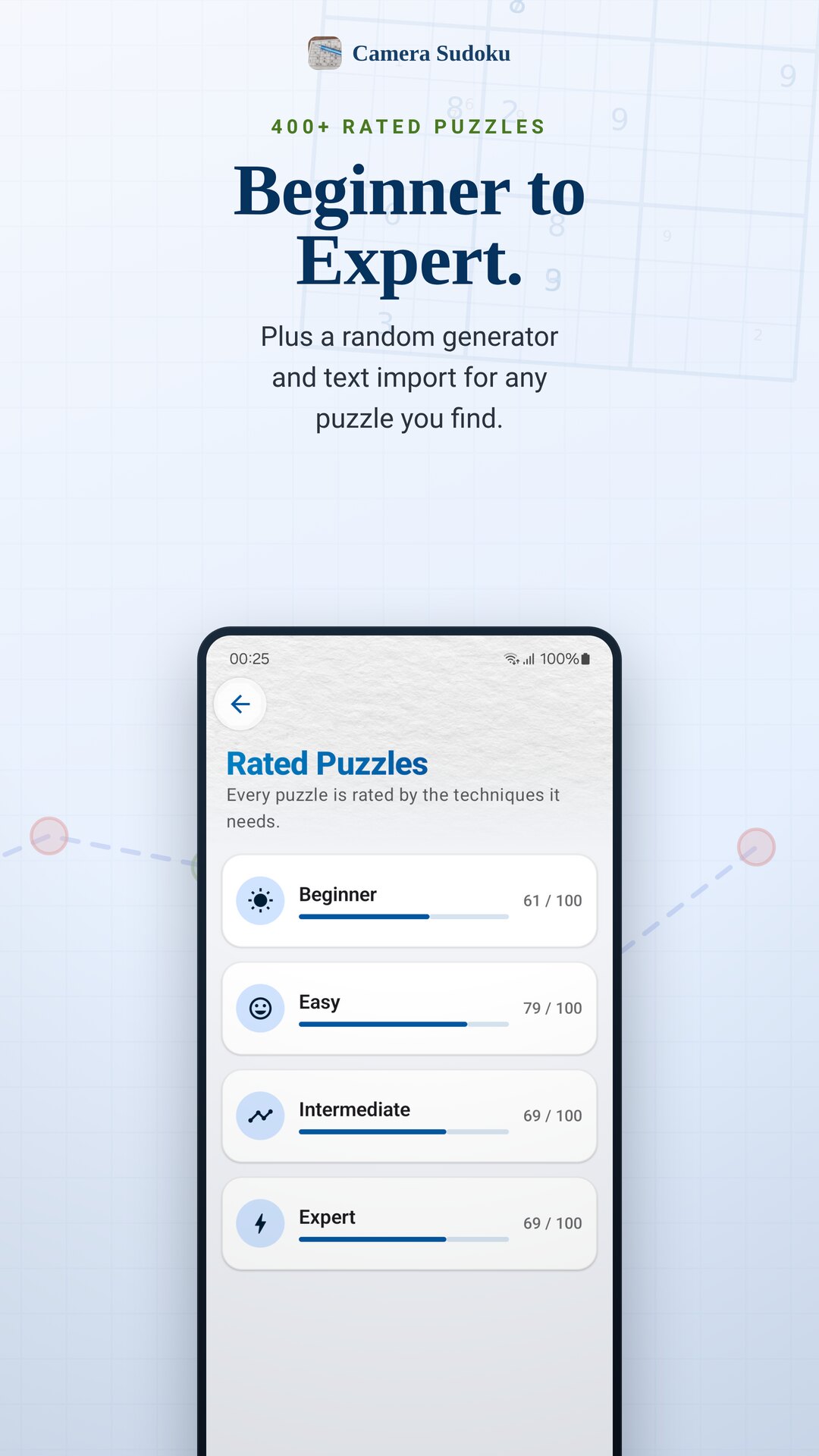
Play built-in puzzles from Beginner to Expert, make a new one with the random generator, or paste one in as text. Everything you save lands in My Puzzles.
Hints that teach
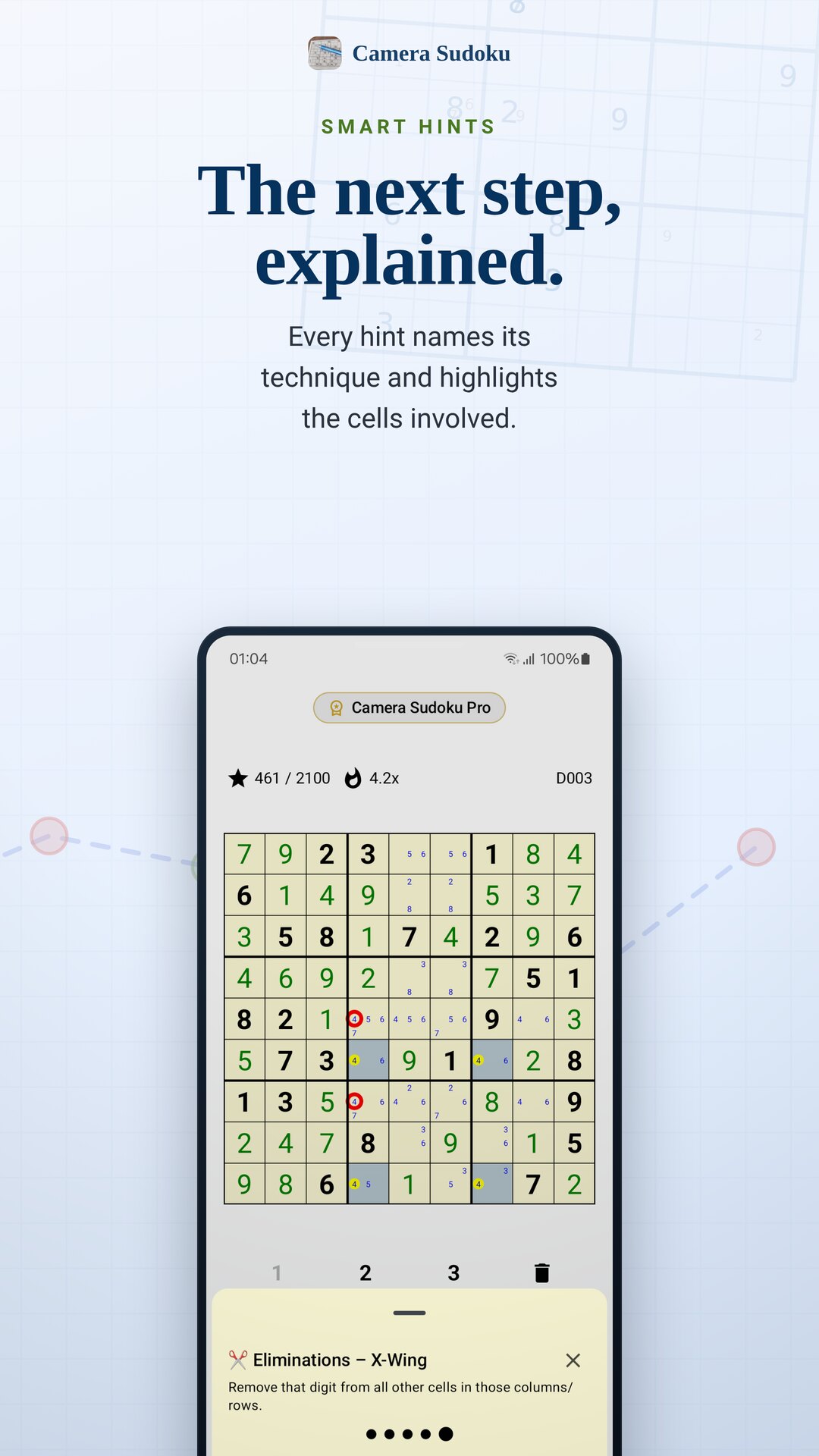
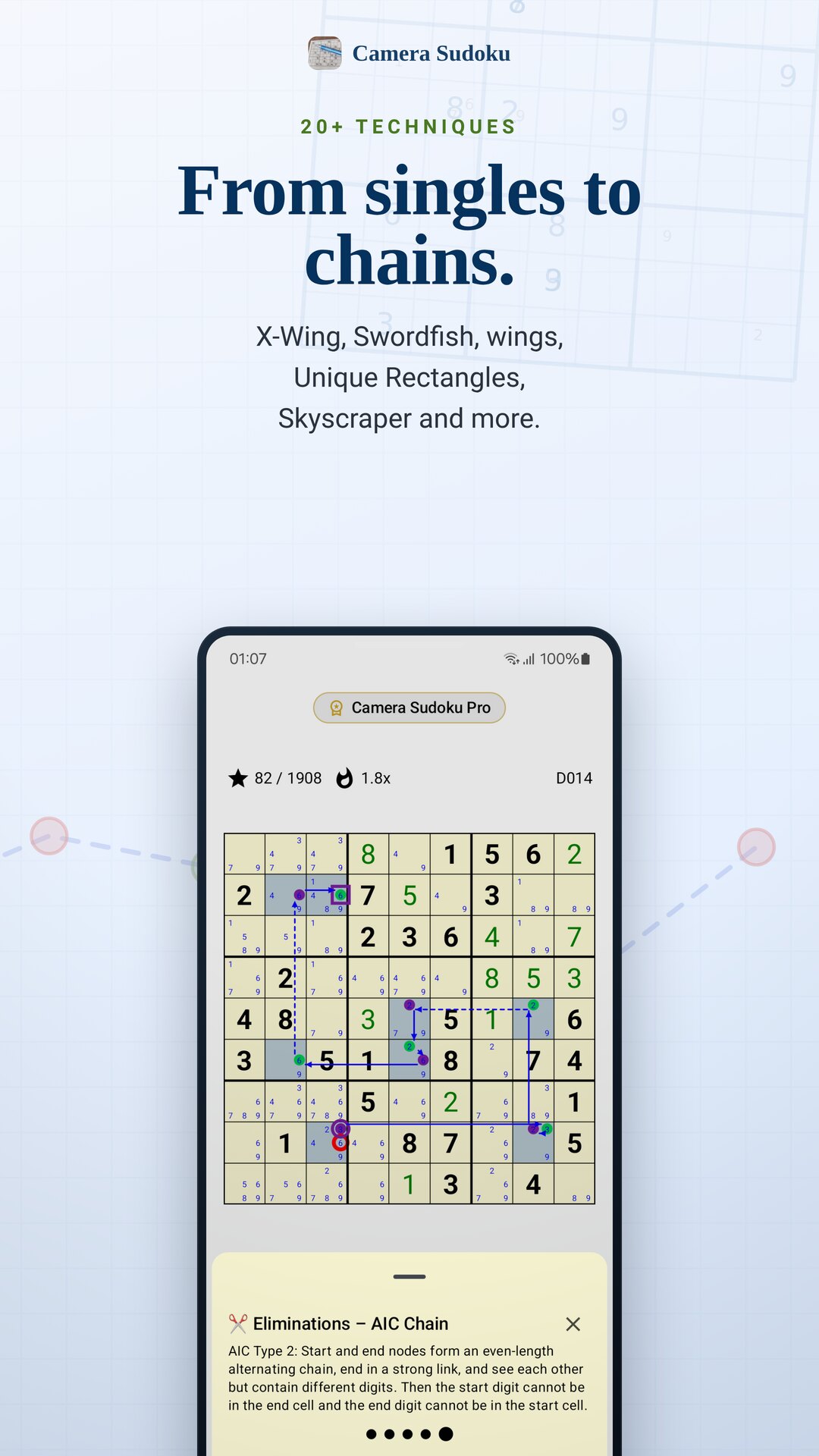
Smart Hint shows the next logical step right on the grid — singles and pairs up to X-Wing, Swordfish, wings, Unique Rectangles and chains.
Everything you need at the table
Fast, on-device recognition
Grid detection and digit recognition run on your phone. Photos of your puzzles are not uploaded.
Check and edit
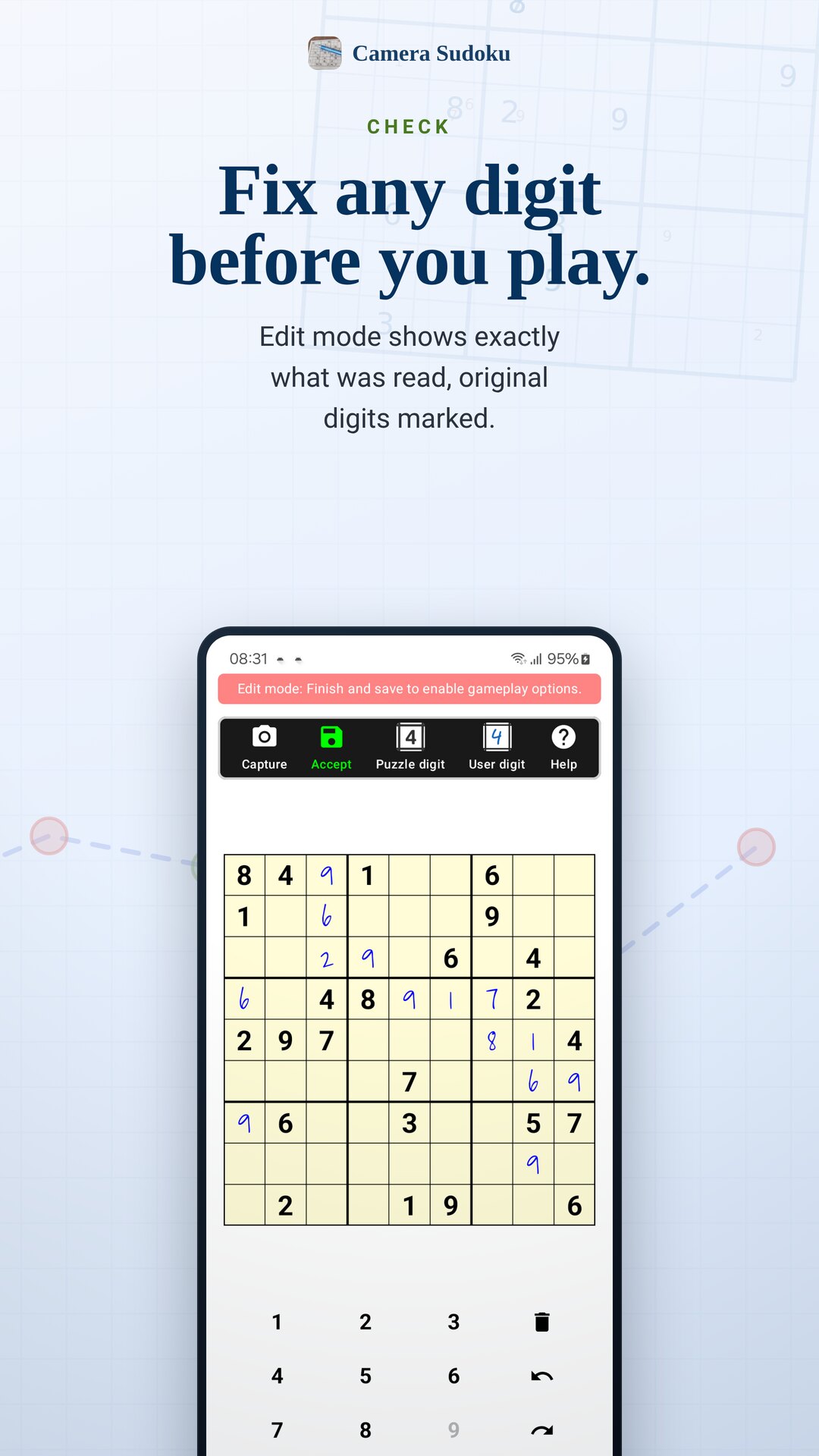
Review the scanned grid in Edit mode, fix any digit, and mark which digits belong to the original puzzle.
20+ solving techniques
Animated, human-style hints from Naked Singles to Skyscraper, Two-String Kite, Jellyfish and alternating chains.
Works offline
Scanning, solving and hints need no internet connection, so a puzzle book on a flight is fine.
Pencil marks and helpers
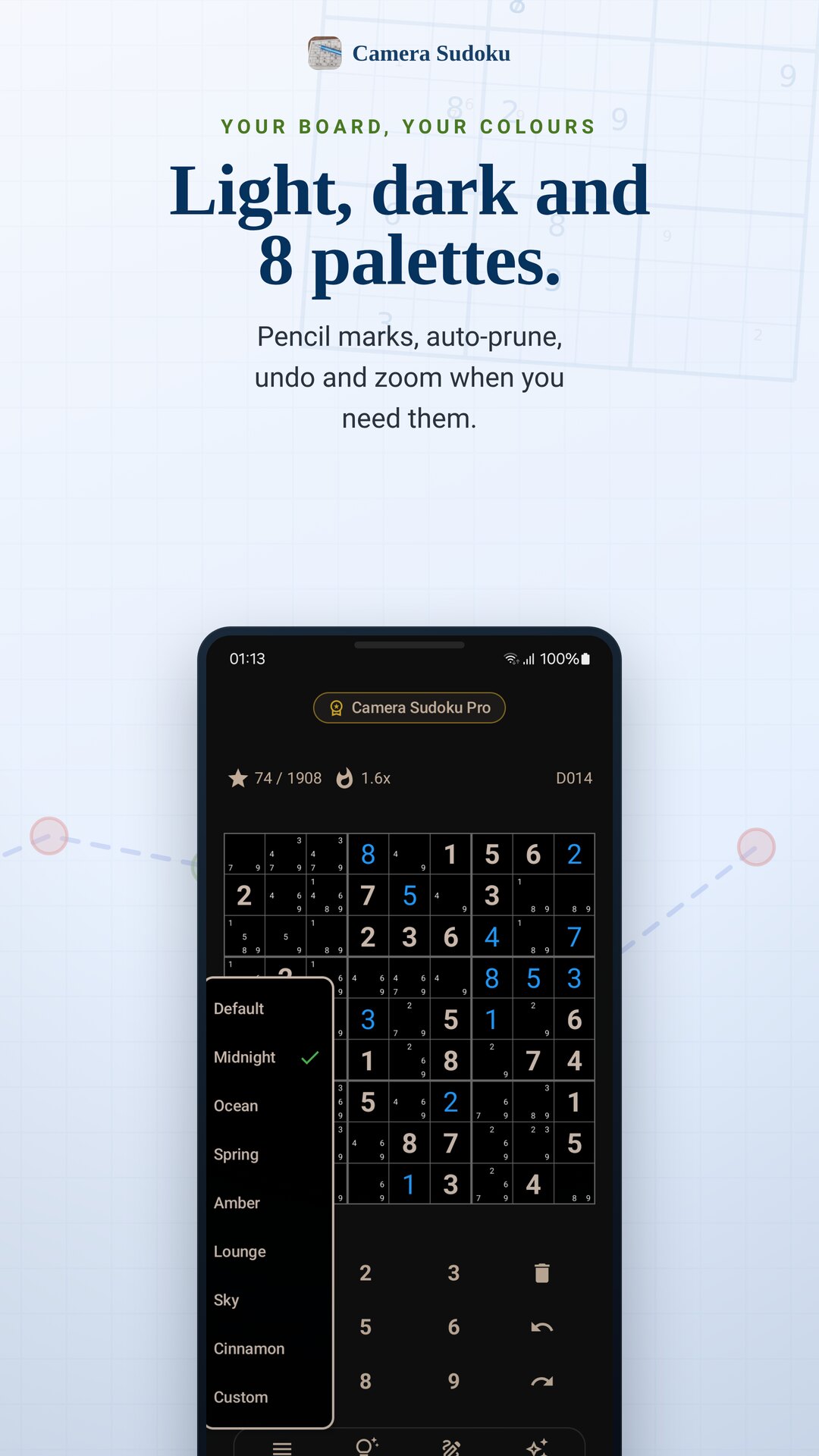
Candidates, auto-prune after each digit, auto-fill of singles, undo and redo, and long-press zoom on small screens.
Make it yours
Light and dark themes and 8 built-in colour palettes for the board, with a full colour editor in Pro.
Made for paper puzzle fans
The newspaper Sudoku
Scan today's puzzle and keep solving on your phone when the paper goes in the recycling.
Puzzle books
Carry a book's worth of puzzles in My Puzzles instead of the book itself.
Half-finished grids
Scan a grid you started in pen. Handwritten digits are read too, so you can pick up where you left off.
Learning strategies
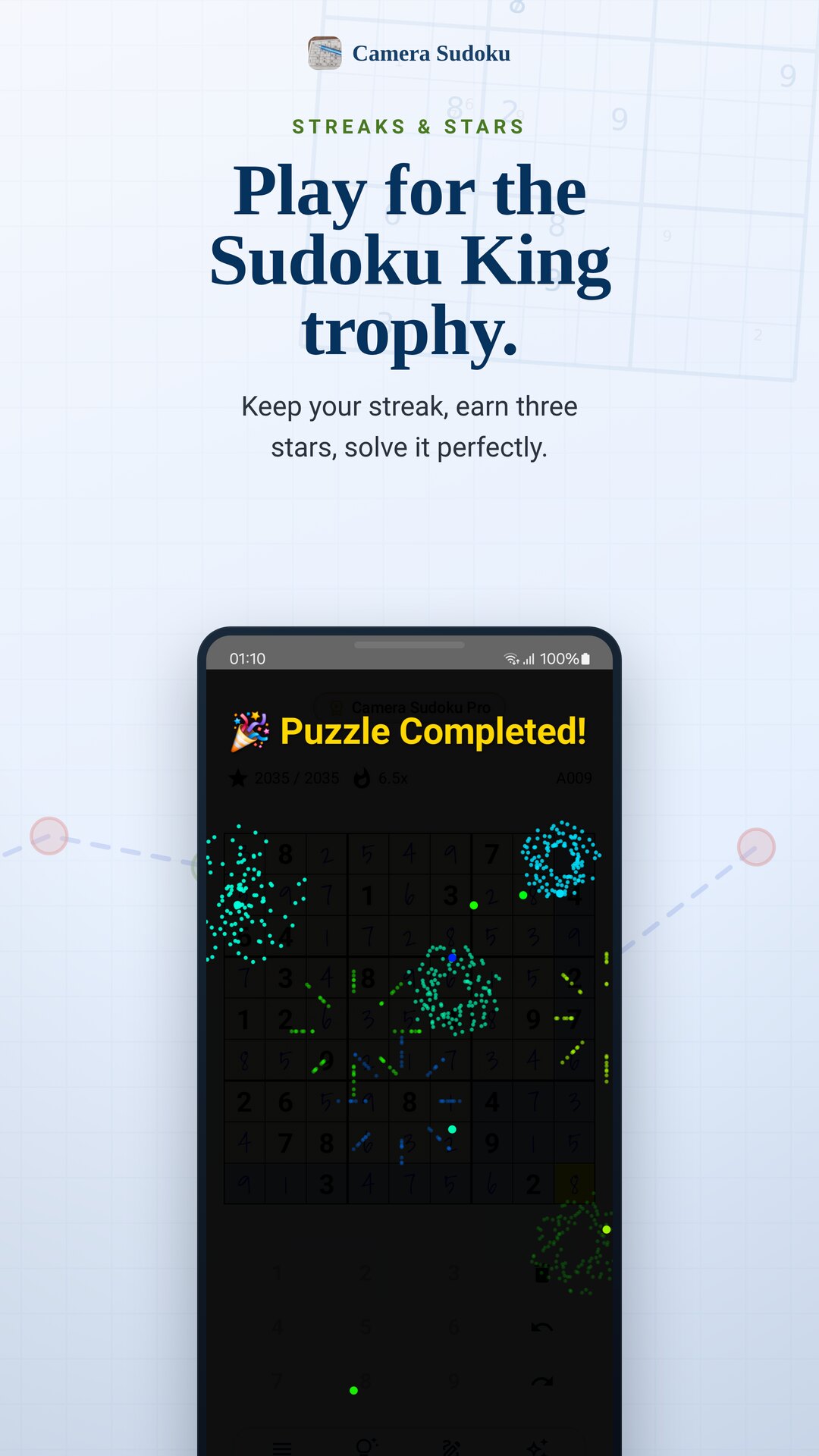
See why a digit goes where it goes. Every hint names its technique and highlights the cells involved.
Stuck on a hard one
Get just the next step, reveal a single cell, or check your progress for mistakes.
Offline time
Flights, trains, cabins: puzzles and hints work without a connection.
How Camera Sudoku works
Snap
Open the camera and frame the 9×9 grid. When the frame turns green, capture it.
Check
The digits appear in Edit mode. Fix anything the camera misread, then save the puzzle.
Solve
Play it your way. Tap Smart Hint whenever you want the next logical step explained.
Free, with an optional Pro upgrade
Camera Sudoku is free and ad-supported. Pro is a one-time purchase — no subscription — that removes ads and unlocks extra tools.
Free
Scan, play and learn with every hint technique.
- Camera scanning with on-device recognition
- All 400+ rated puzzles and the random generator
- Smart Hints with 20+ techniques
- Save 3 new puzzles a day from camera, import or generator
Pro
One payment, no subscription, no ads.
- No banner ads, camera unlock ads or export ads
- Unlimited puzzle saves
- Auto-correct conflicting handwritten entries after a scan
- Full colour theme editor, Auto-fill All Strategies, faster camera processing
Frequently asked questions
Are my photos uploaded anywhere?
No. Grid detection and digit recognition run on your phone, and normal scans keep only the digits, not the photo. The only time an image leaves the phone is if you choose to send us a camera bug report from your own email app.
Can it read handwritten digits?
Yes. It reads printed puzzle digits and digits written in by hand, and marks them differently so you can see which ones were part of the original puzzle. Check the result in Edit mode before you start.
What if the camera doesn't find the grid?
Make sure the whole grid is in frame and evenly lit. If it still isn't found, switch to manual mode and drag the four corners onto the grid yourself.
Does it work offline?
Yes. Scanning, solving and hints work without an internet connection. Ads and purchases need a connection.
Does it just give me the answer?
Only if you ask. Smart Hint explains one logical step at a time and names the technique, so you can learn it. You can also reveal a single cell or the full solution.
What does Pro include?
Pro is a one-time purchase that removes all ads and adds unlimited puzzle saves, auto-correct of conflicting handwritten entries, the full colour theme editor, Auto-fill All Strategies and faster camera processing.
Bring your paper Sudoku to life
Free to install. Scan your first puzzle in seconds.