 Camera Sudoku
A Sudoku solver that works offline
Yes, you can solve Sudoku offline on Android. Camera Sudoku scans, stores and solves puzzles entirely on your phone, and its step-by-step hints are computed on the device too, so flights, trains and places without signal are fine.
What works without a connection
- Camera scanning. Grid detection and digit recognition run on the phone, with no upload.
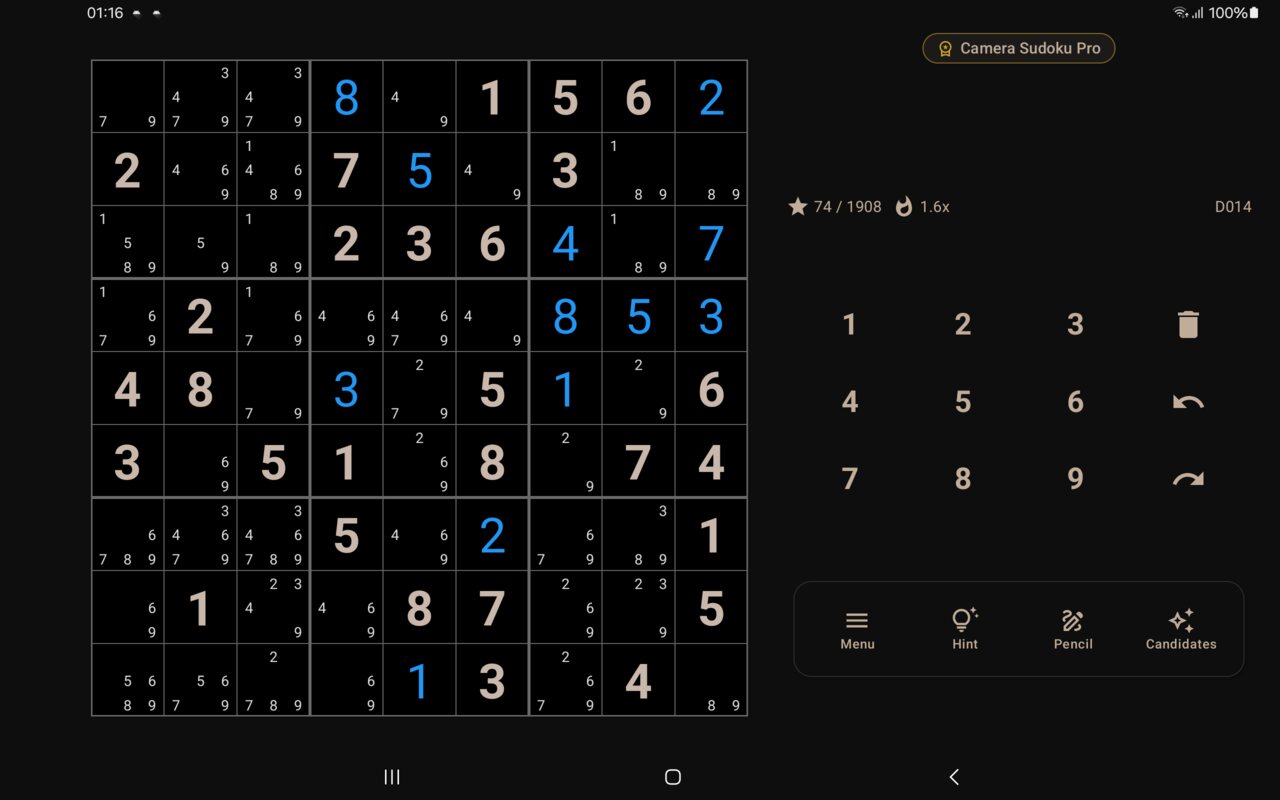
- Playing and solving any saved, built-in or generated puzzle.
- Smart Hints: all 20+ techniques, including chains.
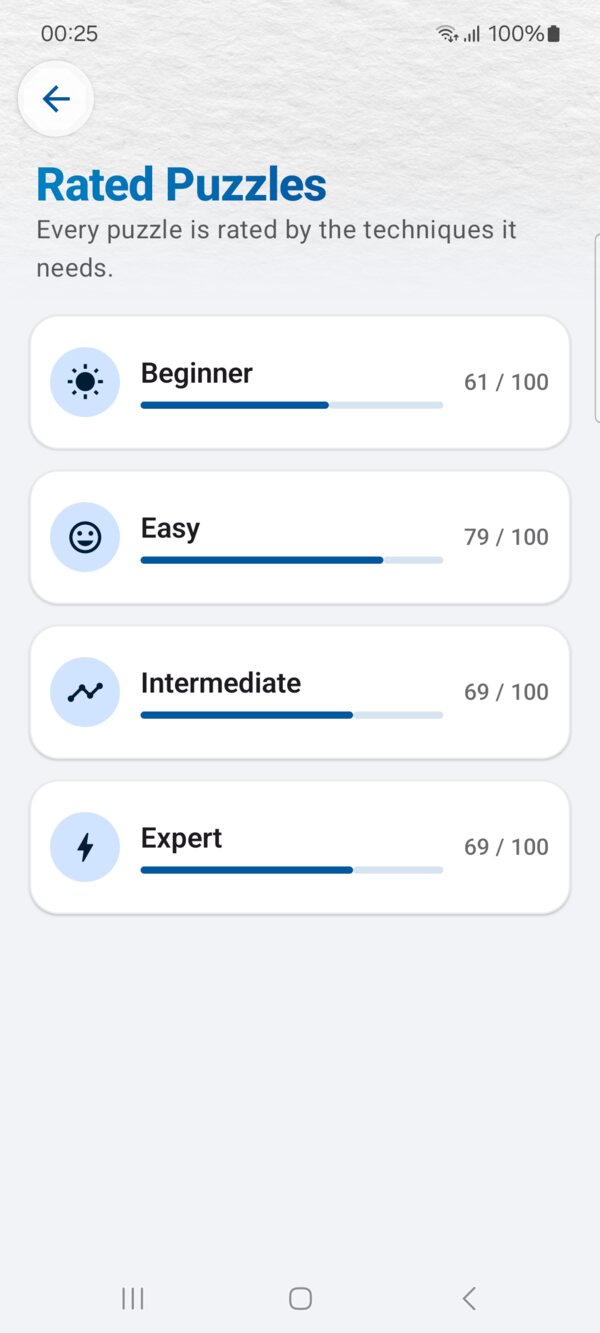
- The random generator and the 400+ built-in rated puzzles.
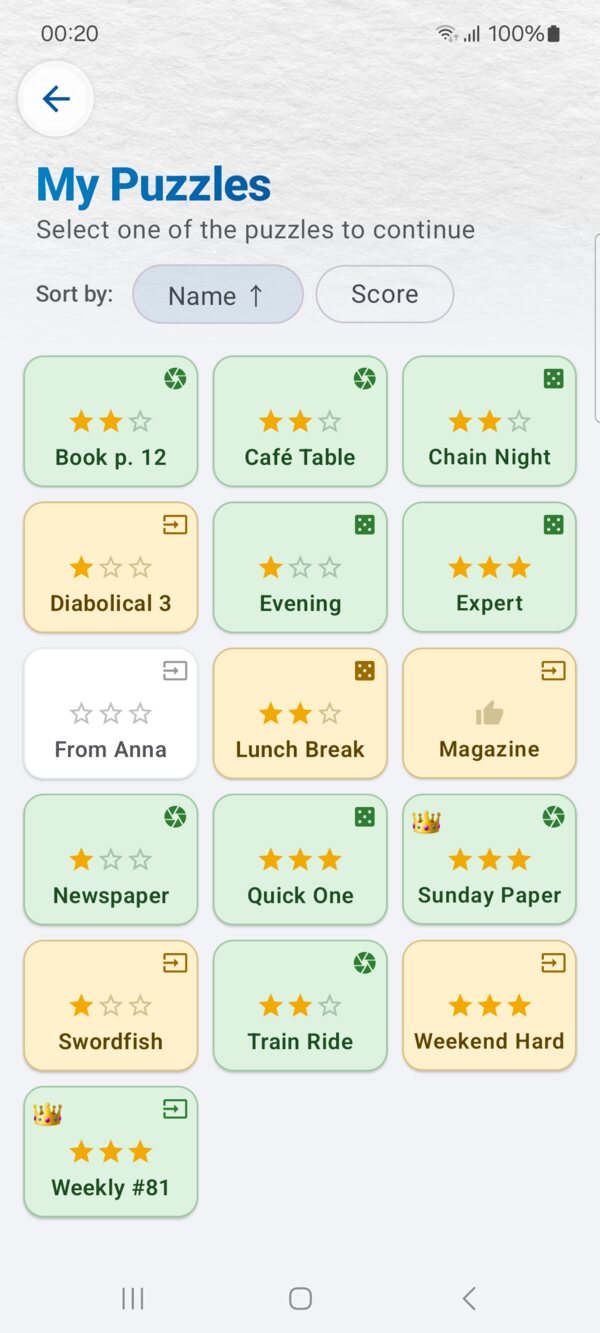
- My Puzzles: your saved collection is stored on the phone.
- Import and export by copying and pasting puzzle text.
What needs a connection
- Ads in the free version. Without a connection, no ads load.
- Buying or restoring Pro through Google Play.
- Sending feedback: the Report bug button opens your email app.
Usage statistics and crash reports are queued and sent the next time you are online.
Getting ready for a trip
- Install Camera Sudoku and open it once while online.
- Scan a few puzzles from the book you are bringing, or generate some, so they are waiting in My Puzzles. See how to scan a Sudoku.
- For a long trip, pick harder levels and try to solve them without hints.
No account, no cloud
There is no sign-in. Your puzzles and progress live on your phone, which is also why they work offline. If you change phones, Android's own device backup can carry the app's data across, if you have it turned on.
Frequently asked questions
Does scanning work offline?
Yes. Grid detection and digit recognition run on the phone, so you can scan with no connection.
What needs a connection?
Ads, buying or restoring Pro, and sending feedback email. Solving, hints and saved puzzles work offline.
Do I need an account?
No. There is no sign-in; your puzzles are stored on your phone.
Ready to try it?
Camera Sudoku is free to install. Scan your first puzzle in seconds.